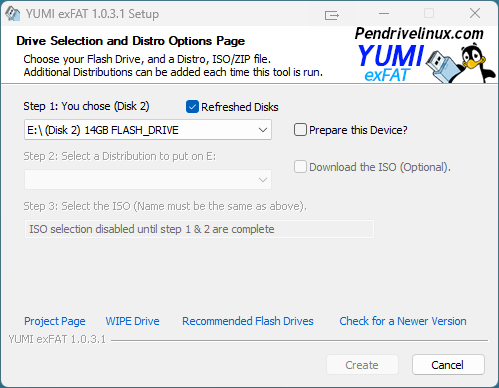
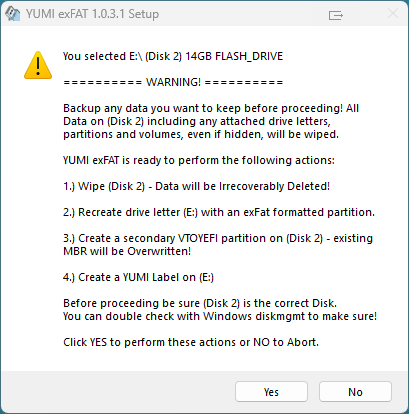
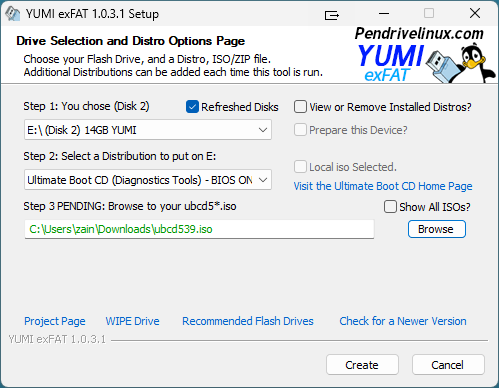
Select Prepare this Device? Then, read and accept the warning. Note that all data on the drive will be DESTROYED; be sure that you have created a backup of the contents beforehand.
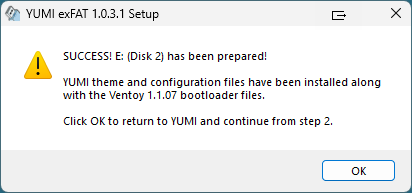
When disk preparation is done, the following window will display; click OK.
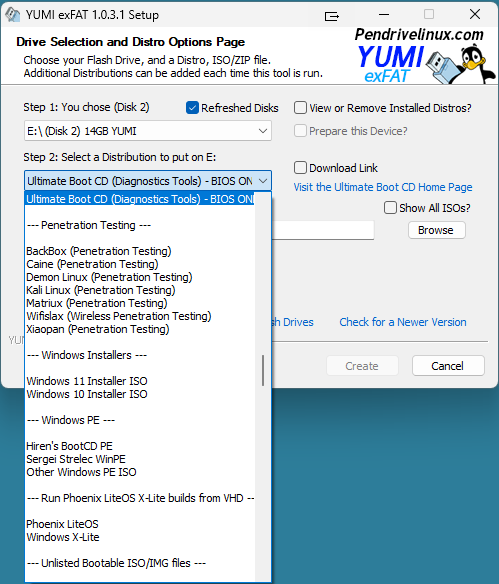
Pick Ultimate Boot CD or use Unlisted ISO (GRUB).
Select the UBCD ISO and click Create.
Troubleshooting
Use the motherboard’s Boot Menu (F12/F11/Esc).
Try a plain USB 2.0 port for older hardware.
Additional troubleshooting information available in our FAQ.